
Corner style: rounded, pill or angular
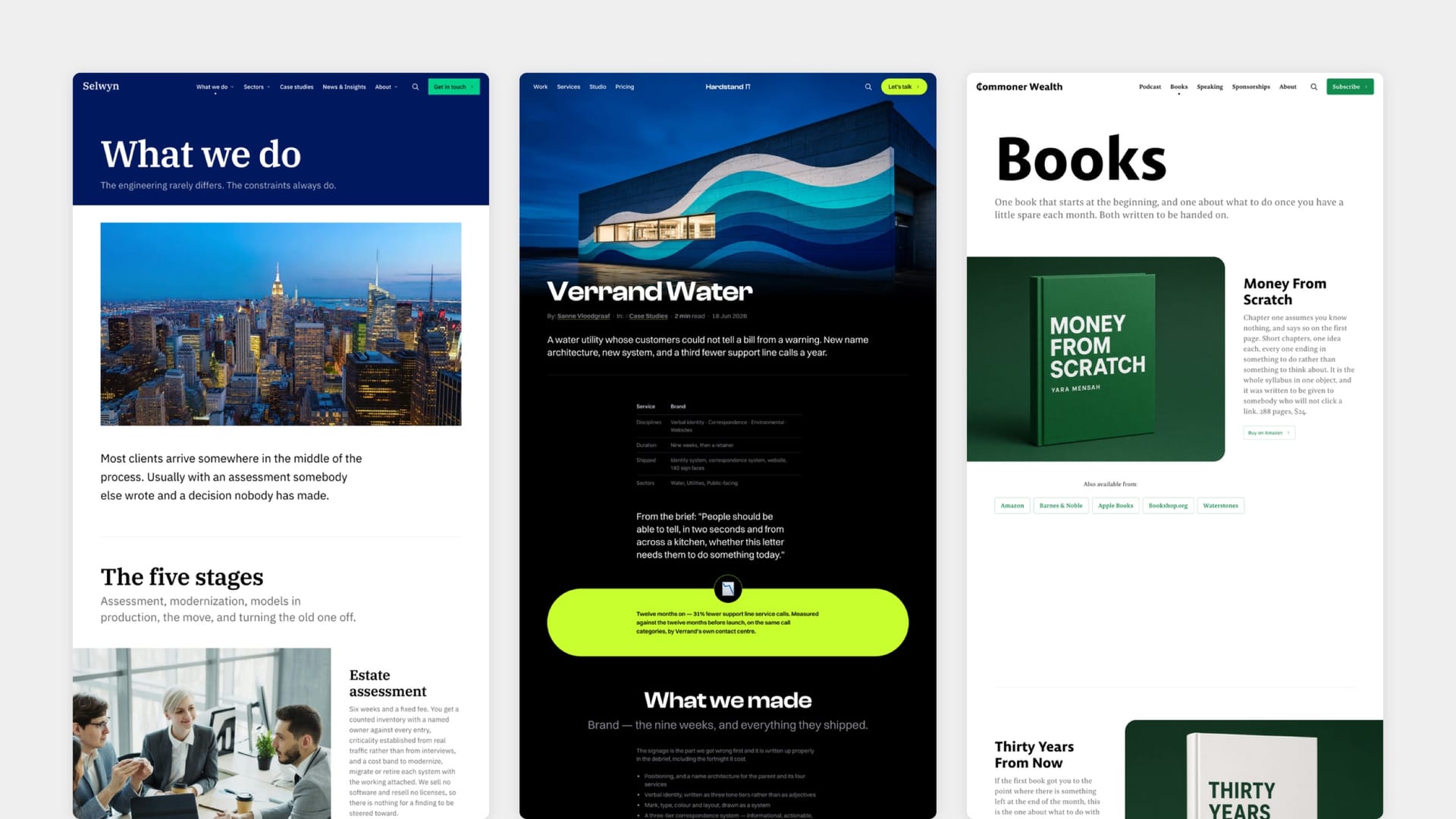
Corner style is a single setting that re-shapes the entire site. Buttons, cards, feature images, form fields, feed items, bookmarks, audio players, the feature grid, the pricing table — everything with a corner takes its cue from one dropdown with three options.
Rounded is the theme as designed, with the softly rounded geometry the layout was drawn around. Pill exaggerates it considerably: buttons become full stadium shapes and cards take deep, generous curves. Angular removes rounding entirely for hard right-angled corners and a more architectural, editorial feel.
It is not a cosmetic slider applied uniformly — the three modes are each properly designed. Pill in particular adjusts padding in several places so that text and controls still clear the deeper curves rather than colliding with them, and it behaves differently at desktop, tablet and phone sizes because a curve that reads as generous on a wide card would swallow a narrow one.