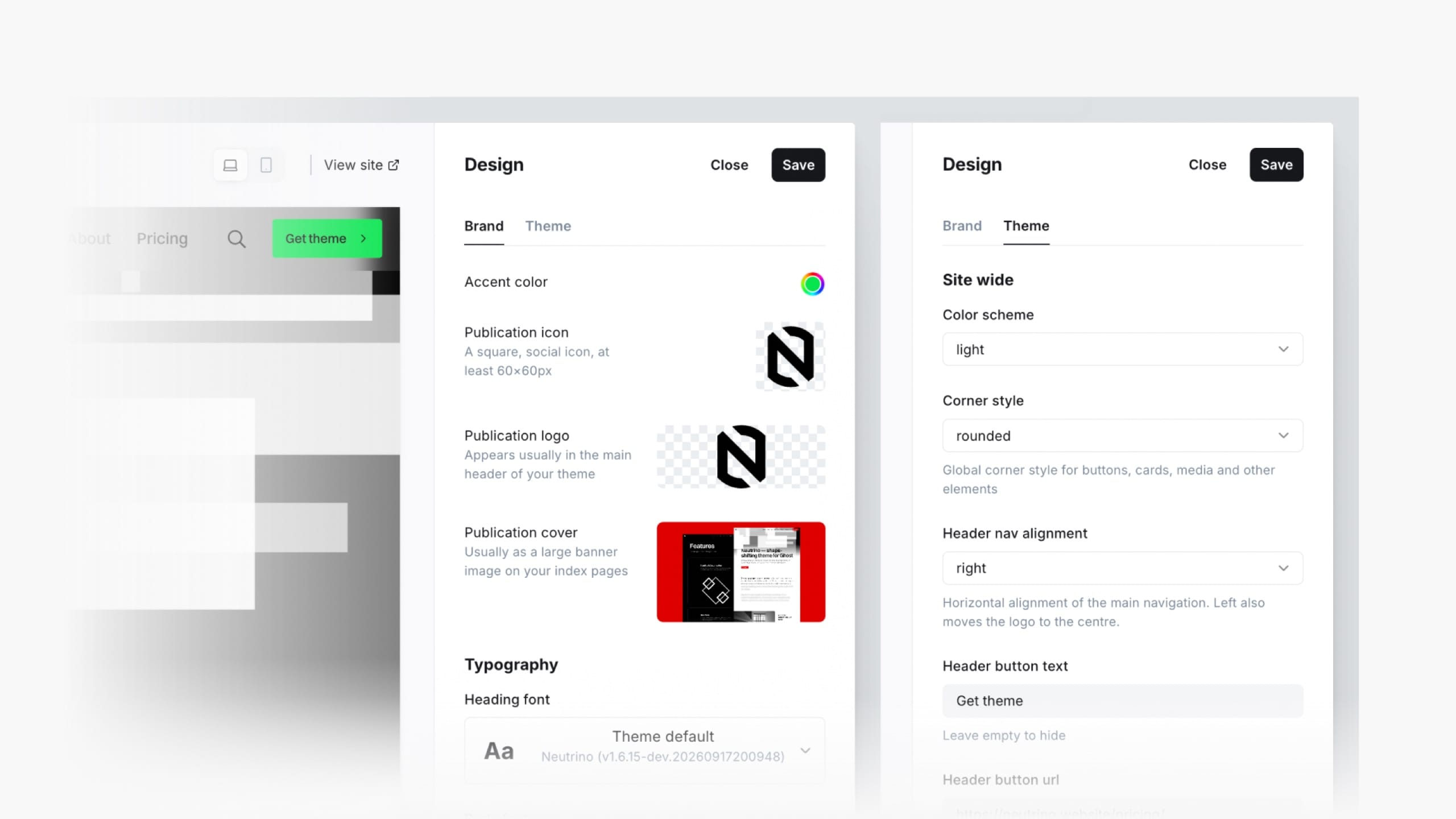
Your logo and accent colour come from Ghost's own settings, but Neutrino does one deliberate, non-obvious thing when your accent is pure black or pure white.
Where to put custom code so it survives every update, and the handful of theme conventions to follow so your CSS works with the design system instead of against it.
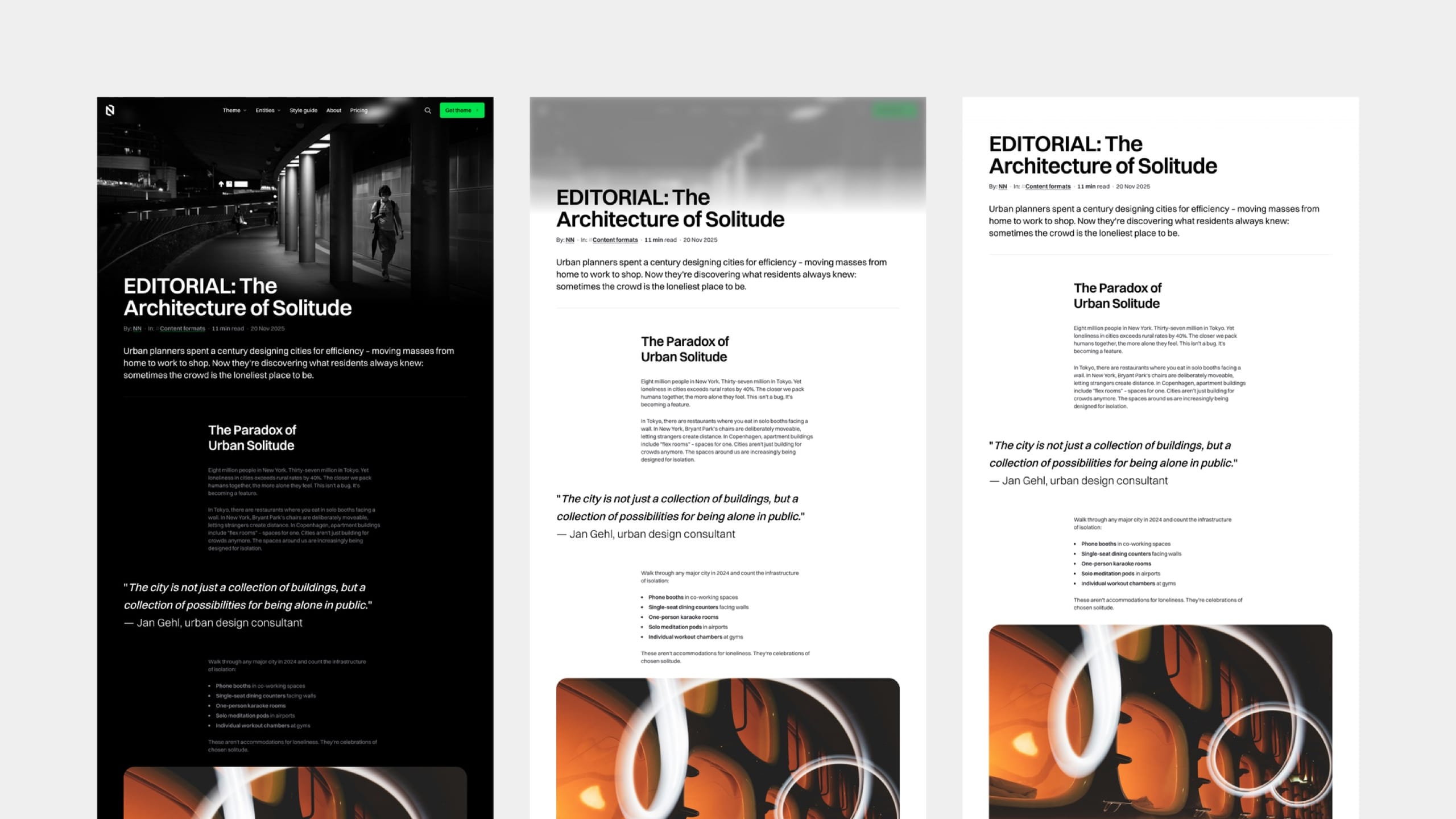
Neutrino ships four colour modes. Hybrid is the interesting one — the page opens dark behind the hero and turns light as the reader scrolls into the article.
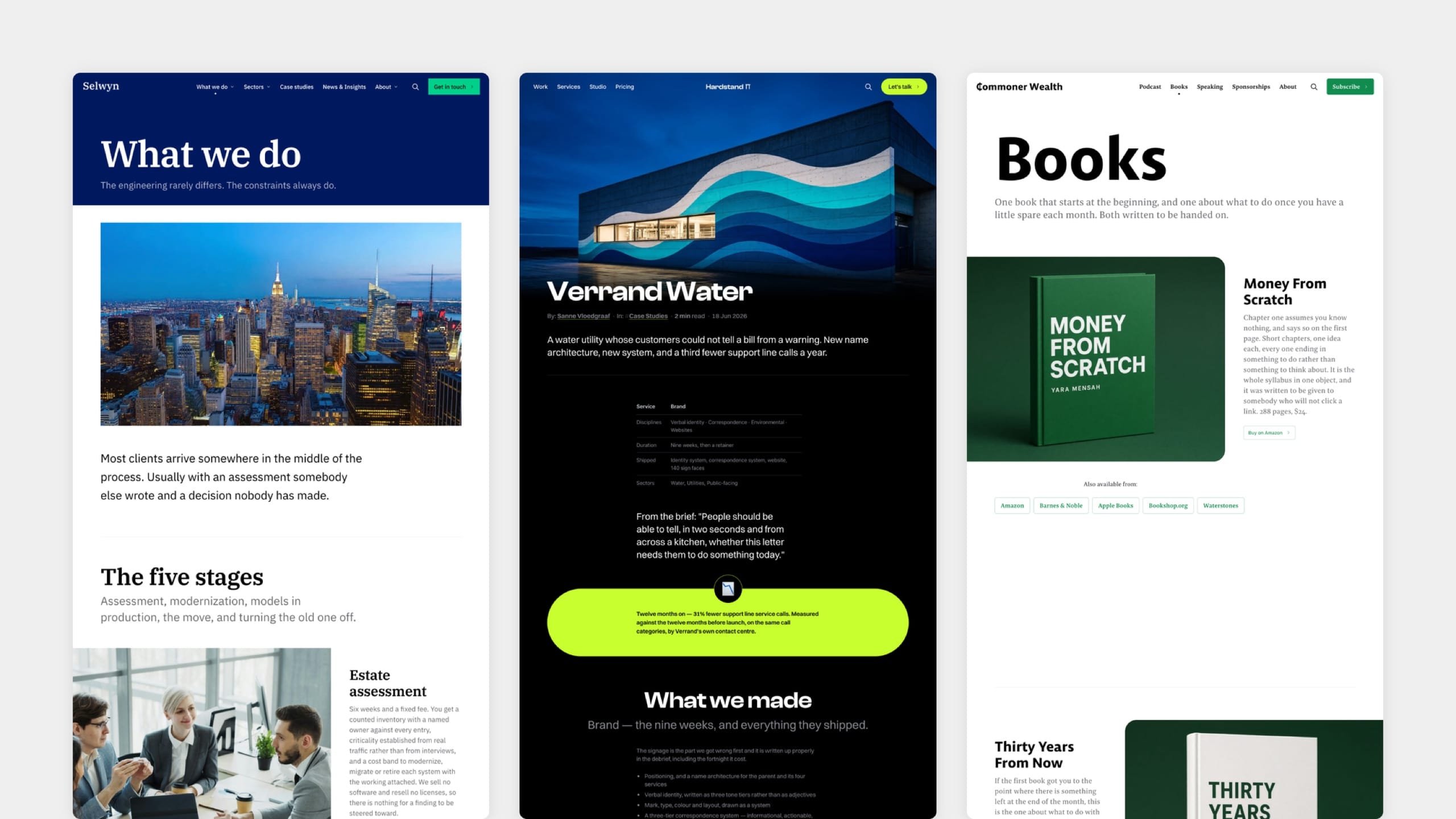
One setting changes the shape of every button, card, input and image frame on the site. Rounded is the design as drawn; pill and angular are two complete alternatives.
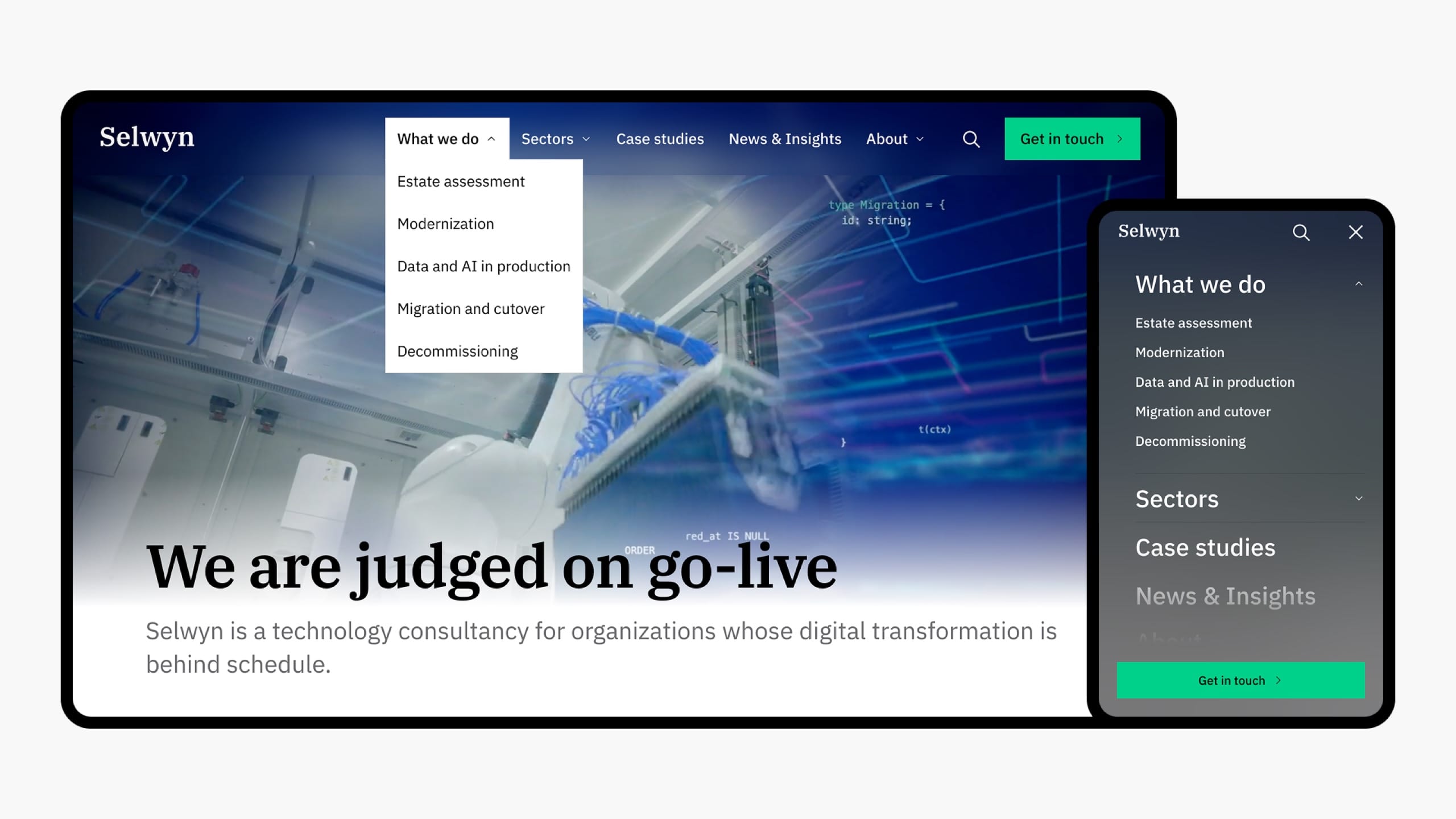
The structural reference for both ends of the page — what each region contains, which setting fills it, and how both adapt to the reader's screen and whether they are signed in.
Search is on by default and needs no configuration — but it is Ghost's, not Neutrino's, and that determines what it can find and how far it can be styled.
Neutrino adds fifteen settings to Ghost admin — three that change the whole look of the site, and twelve that fill in the header and footer. This is the complete reference, with defaults.