Neutrino highlights code automatically — for three languages. Everything else renders as clean, readable, unhighlighted code, and that is by design rather than by oversight.
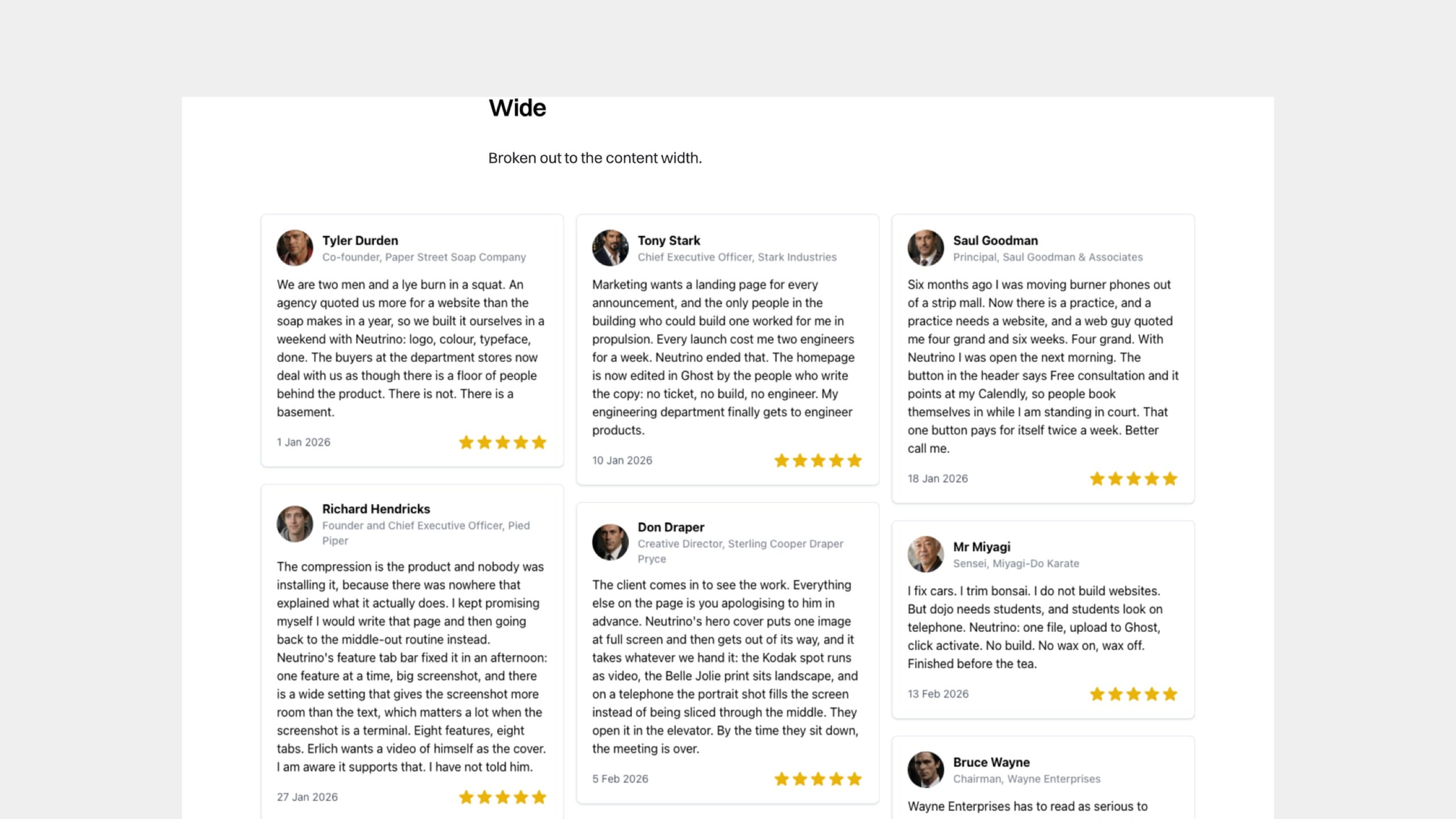
Put a third-party widget — a testimonial wall, a booking calendar, a form, a map — into a page and control the space it occupies, including capping one that would otherwise run for several screens.
Third-party widgets already work in Neutrino with no setup at all. The one thing worth knowing is how to give them more room — and why it makes such a difference.
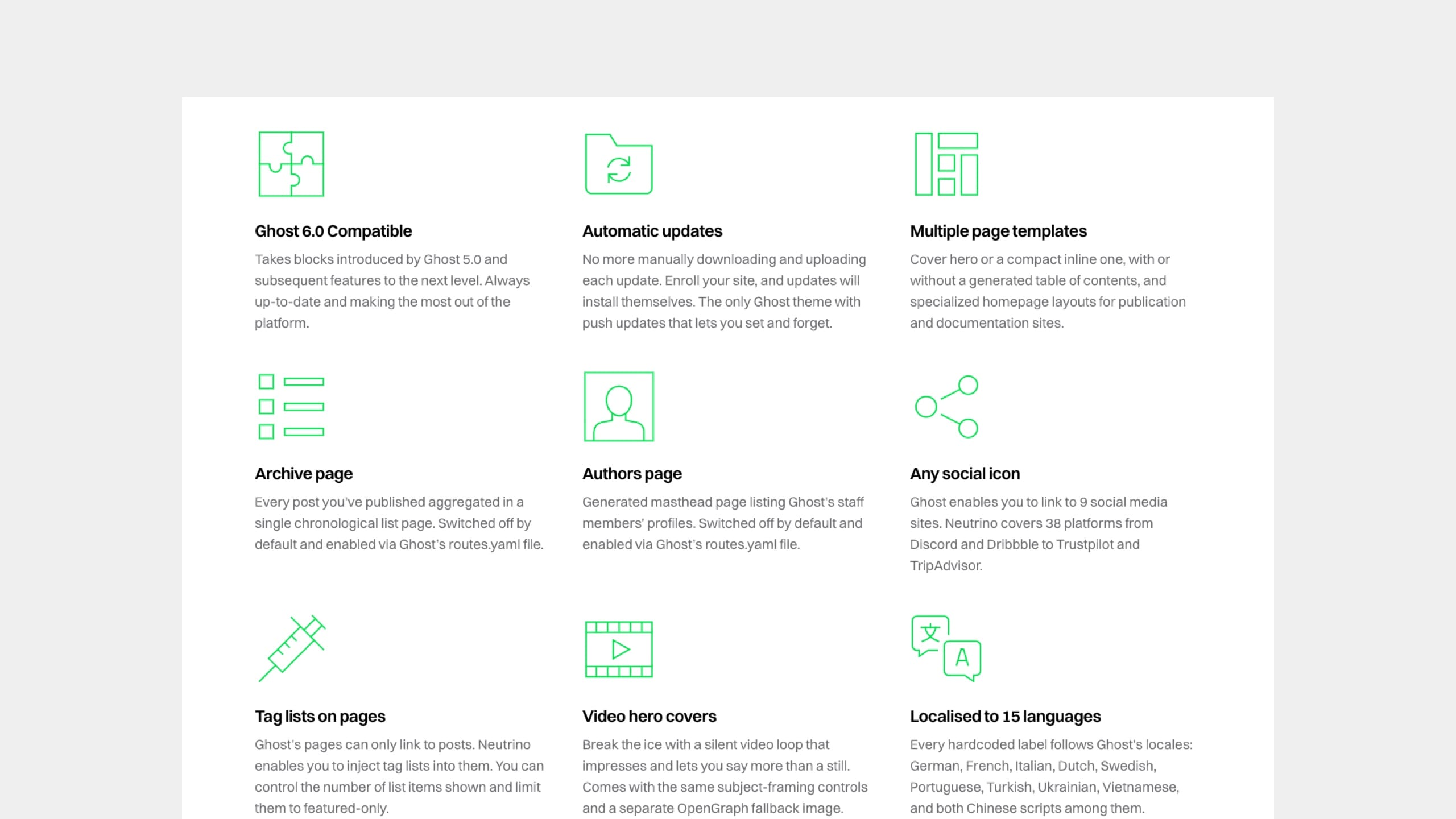
A set of small features side by side — each an icon or image, a heading, a line of description and an optional link. Also the block behind a self-scrolling strip of press logos. For features that matter but do not each need a section of their own.
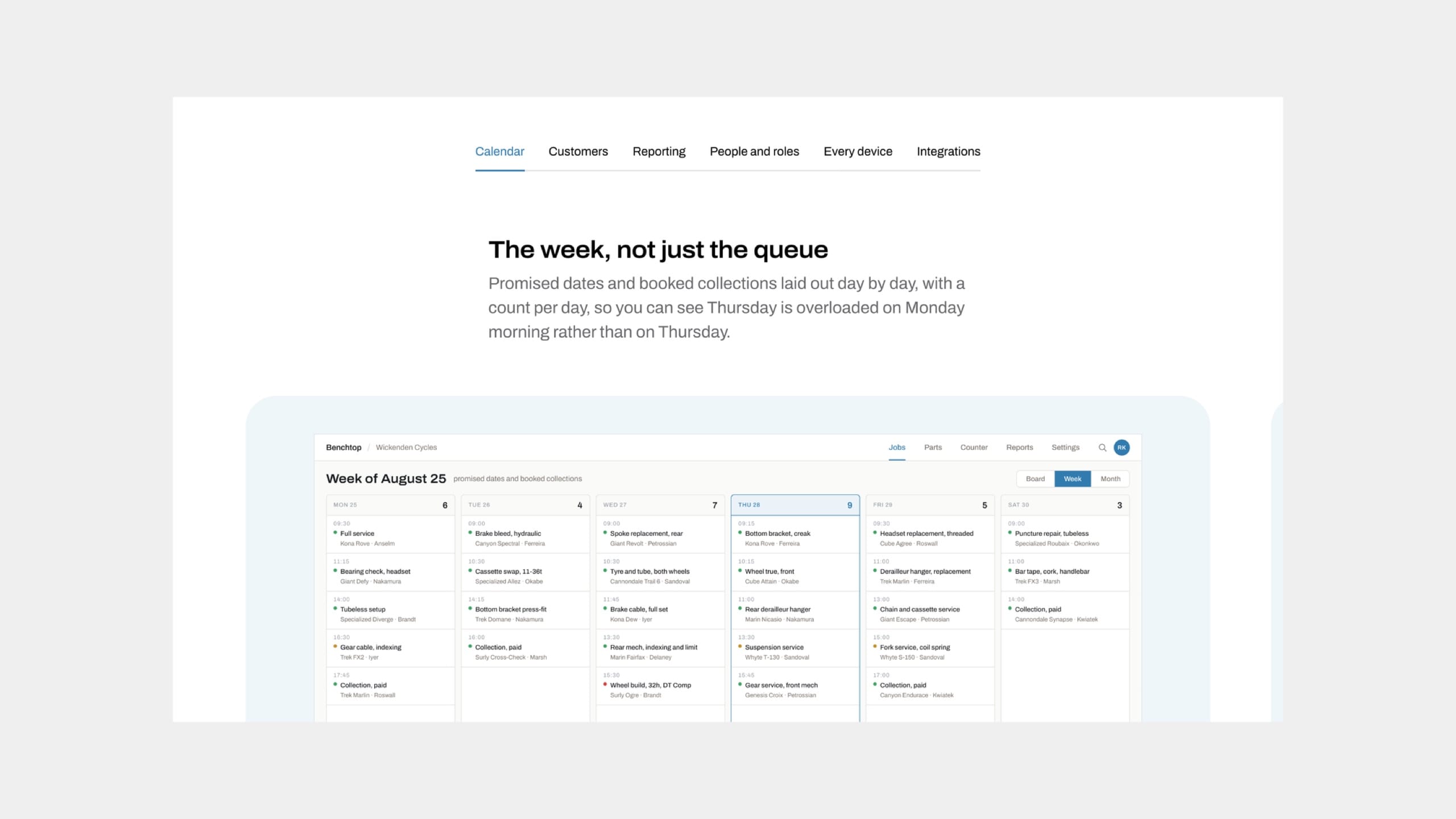
A set of features shown one at a time, with a row of text tabs above them. Suits a longer list than a grid can hold, and gives every feature a large image.
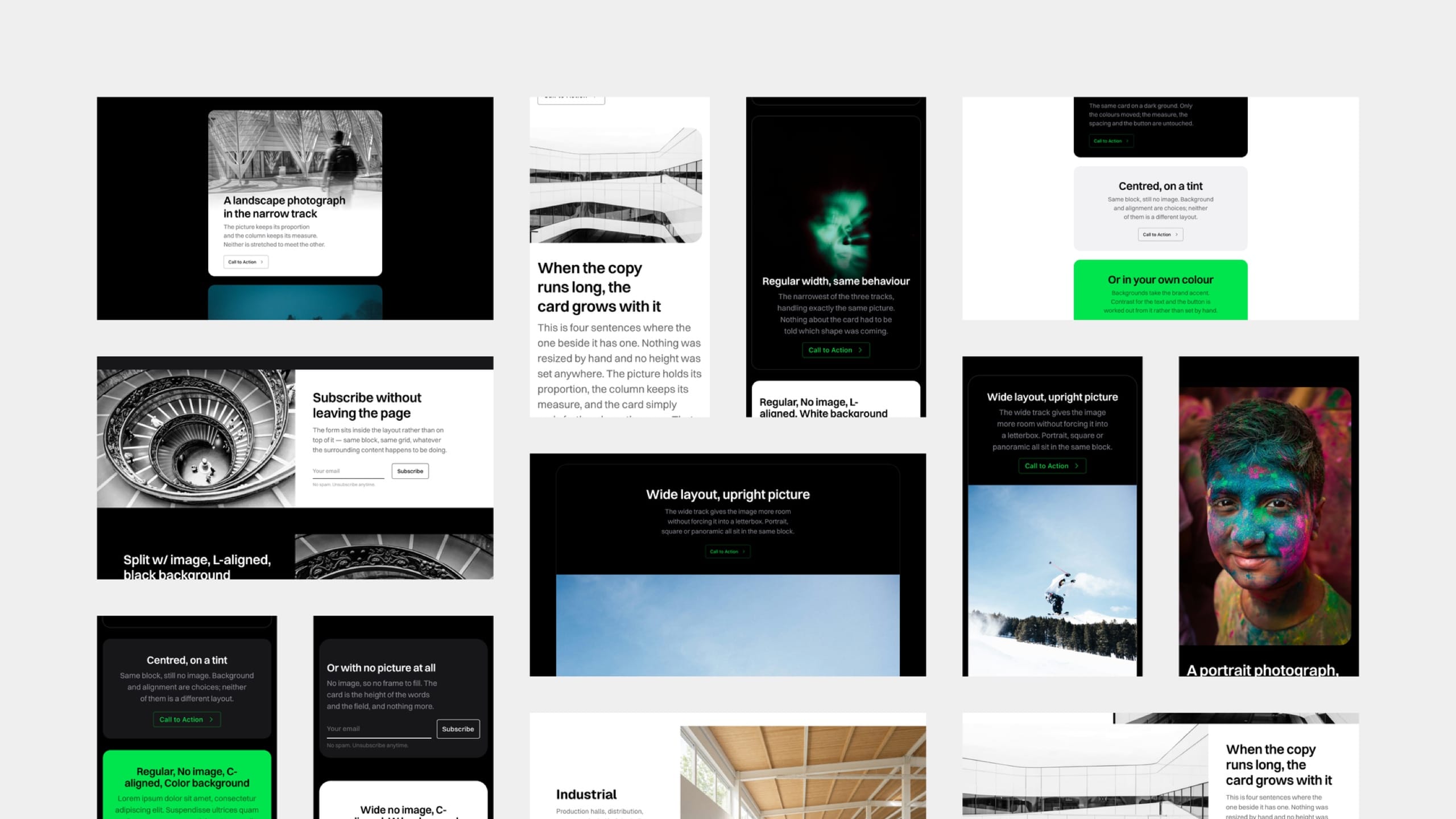
Which of Ghost's built-in cards Neutrino styles, the width controls that apply to all of them, and the handful with behaviour worth knowing about before you use them.
Wide tables scroll sideways instead of breaking the page — and there is one cosmetic trade-off in how narrow tables fill their space that is worth understanding.
Three ways to put video on a Neutrino site — uploaded straight to Ghost, embedded from a video service, or running full-screen behind a post title — and which to reach for.