
Embed container
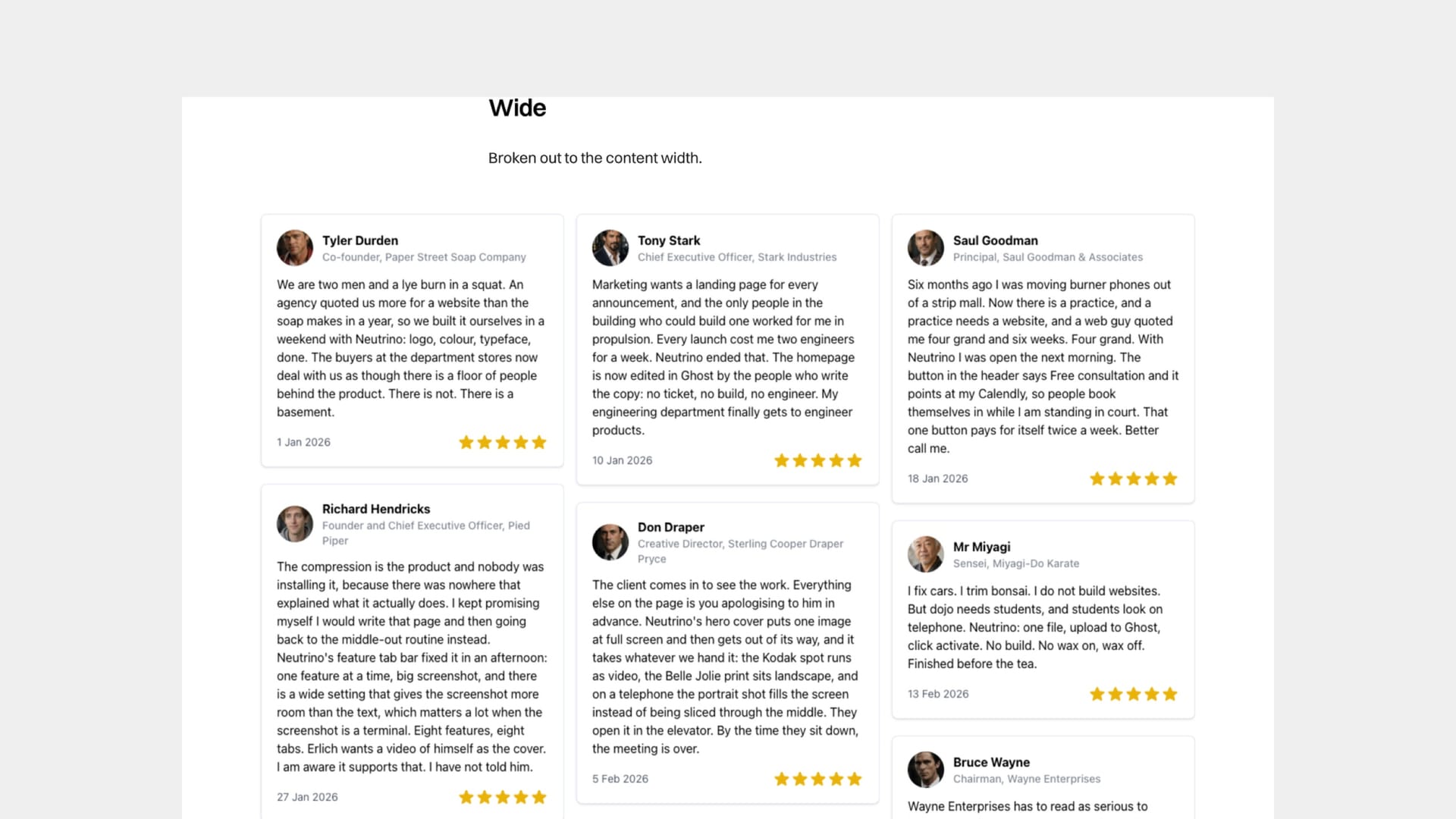
Most third-party widgets hand you a snippet and no say over the space it takes. Dropped into a page as-is, a widget sits at the width of your body text and grows to whatever height it feels like — which for a testimonial wall can be several screens, because the widget renders every testimonial it holds and has no ceiling of its own.
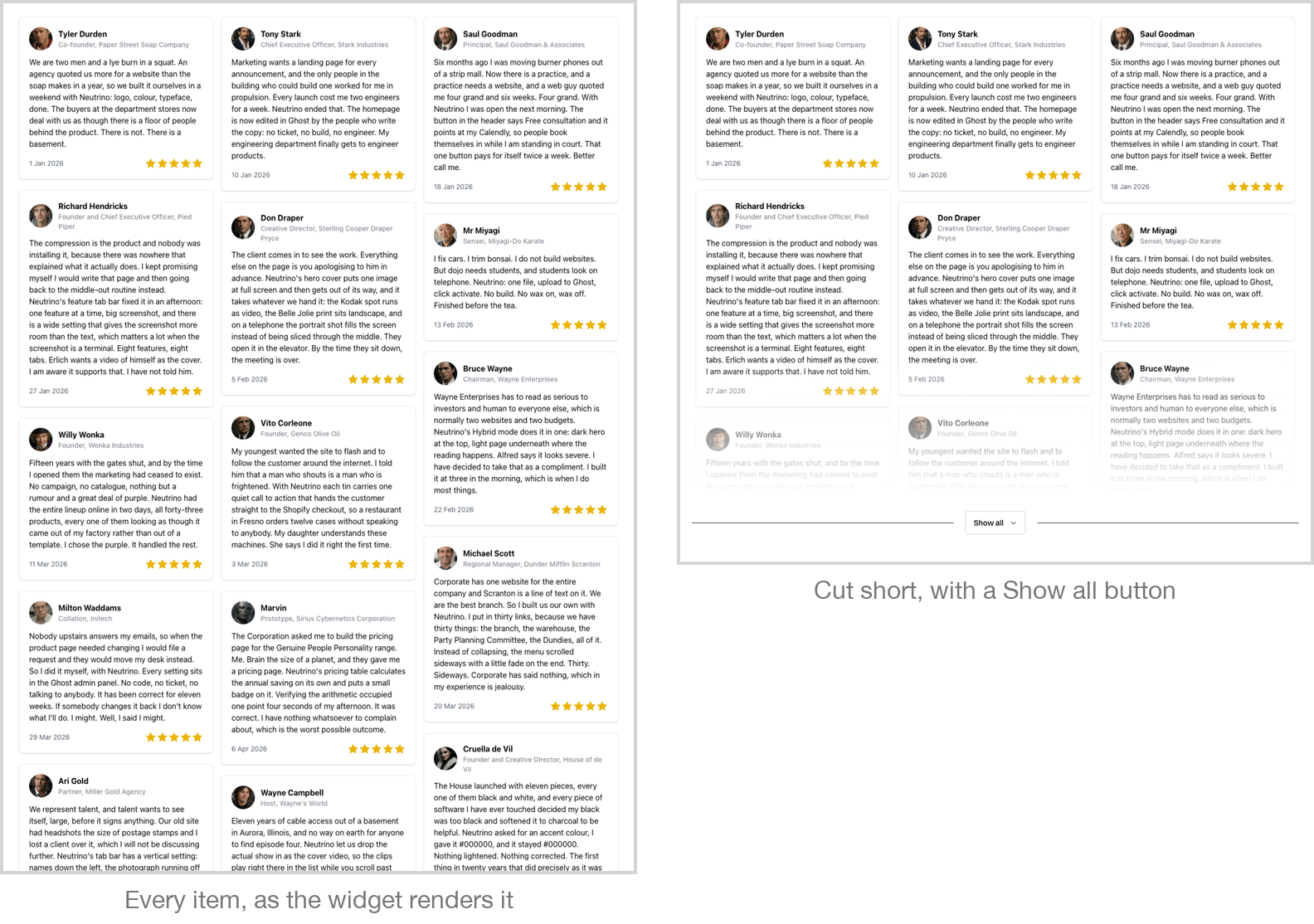
The embed container gives you that say. It leaves the widget itself untouched and changes the box it lives in:
- Width — the normal content width, wider than the text, or edge to edge.
- Height, when there is too much of it — cut it off at a quarter, a third or a half of its natural height, fade the edge, and offer readers a button that expands it in place and collapses it again. The cap is a proportion rather than a fixed height, so it means the same thing on a phone as on a desktop, on a widget nobody has measured.
- A fixed height with its own scrollbar, for something like a calendar you would rather kept a constant size.
- A fixed shape, such as widescreen, for maps and slide decks.
- A clamp for a widget that spills sideways out of its box, and a reserved space so the page does not jump as it loads.
You do not need it for the embeds Ghost already knows. Paste a YouTube, Vimeo, Spotify, X or CodePen link into the editor and Ghost builds a proper embed card with its own width controls. This is for the widgets Ghost does not recognise — the ones a vendor hands you as a block of their own code.
Neutrino already makes most such widgets fill the width they are given, so if width is your only concern you may need nothing at all. Height is the case this exists for.
This article covers every option and what each one is for, which to reach for per kind of widget, worked examples for testimonial walls, calendars, forms, maps and slide decks, two complete real-world snippets, and the two mistakes that catch people out.