
Ghost editor cards in Neutrino
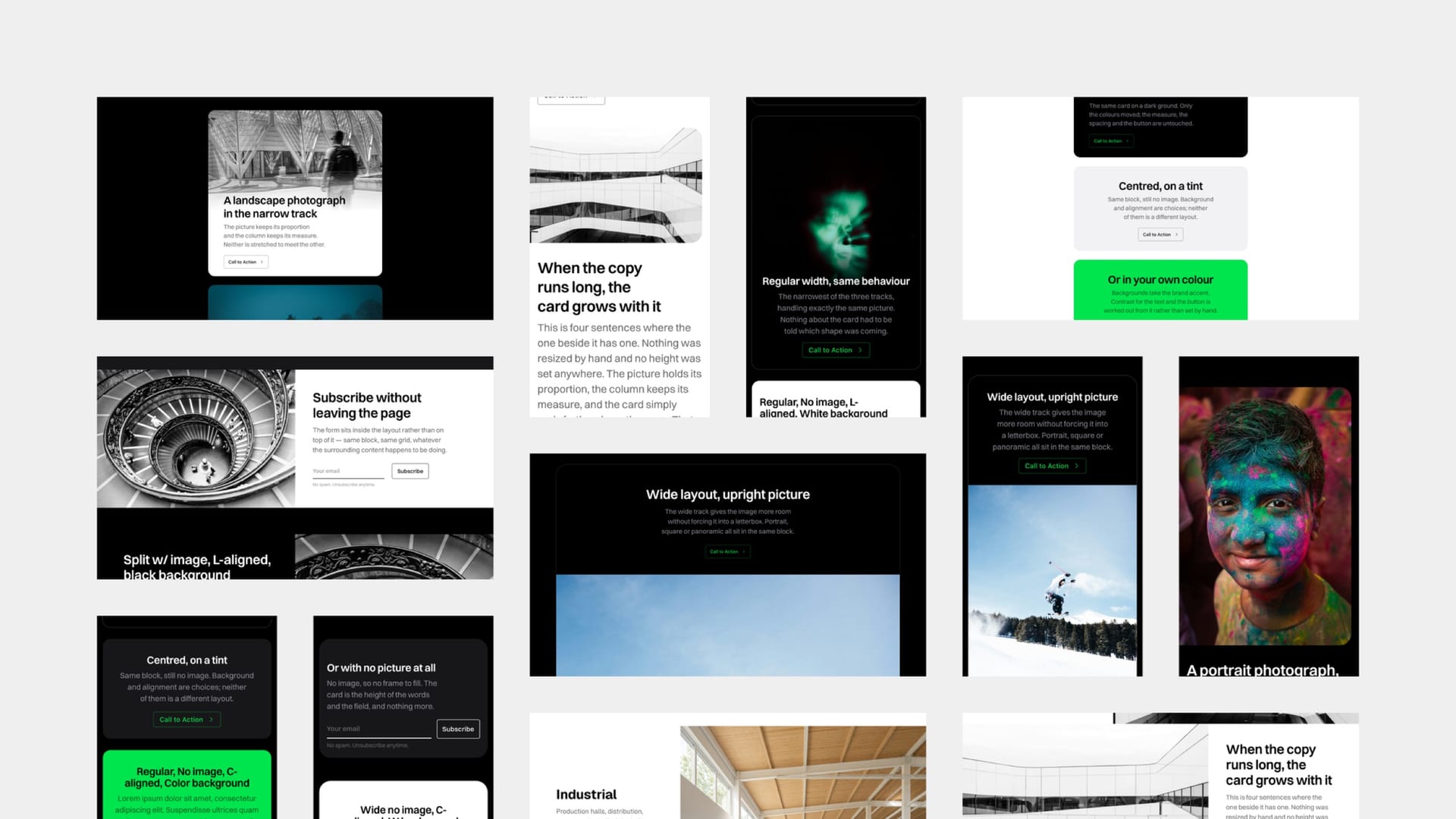
Every card in Ghost's editor is styled by Neutrino — images, galleries, callouts, toggles, bookmarks, buttons, headers, signup forms, product cards, audio, video, files, embeds and code. You do not need any theme-specific knowledge to write a post; you type / in the editor, pick a card, and it comes out looking like part of the design.
Some of them do more here than their names suggest. Header and signup cards carry several layout and colour variants that give a page section-level structure. And the button card follows a convention: the first one on a page is treated as the primary call to action and rendered solid, with later ones as outlines, so a page's visual hierarchy follows its reading order without you setting anything.
The other thing worth learning once is Ghost's width control, which applies to nearly every card. Most cards can sit in the body-text column, a wider track, or full-bleed across the page — and choosing well is the single biggest difference between a post that looks composed and one that looks like a wall of text with pictures in it.