Post feeds, cards and archive pages
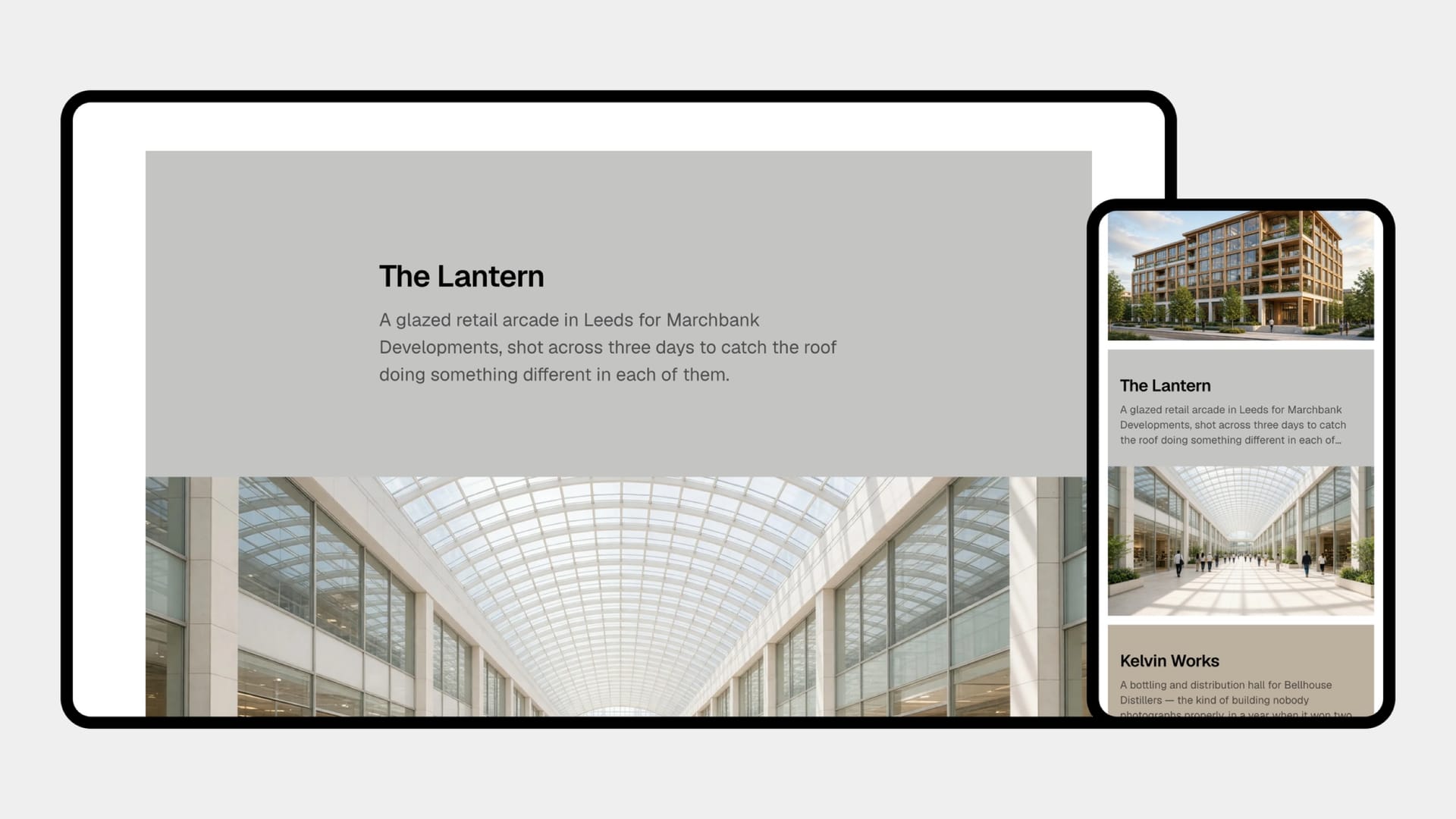
Everywhere Neutrino lists posts, it uses the same card: the feature image, the title, the category, the reading time, arranged so a row of them reads as a row rather than as a stack of unrelated boxes. Titles are clamped to a set number of lines so cards stay the same height whether the title is three words or fifteen — a long headline never pushes its neighbours out of alignment.
Beyond the main feed there are two other ways posts appear. Archive pages — one per tag and one per author — are generated by Ghost automatically, and Neutrino gives each a proper hero built from that tag's or author's own image and description, so a tag page looks like a designed section rather than a bare list.
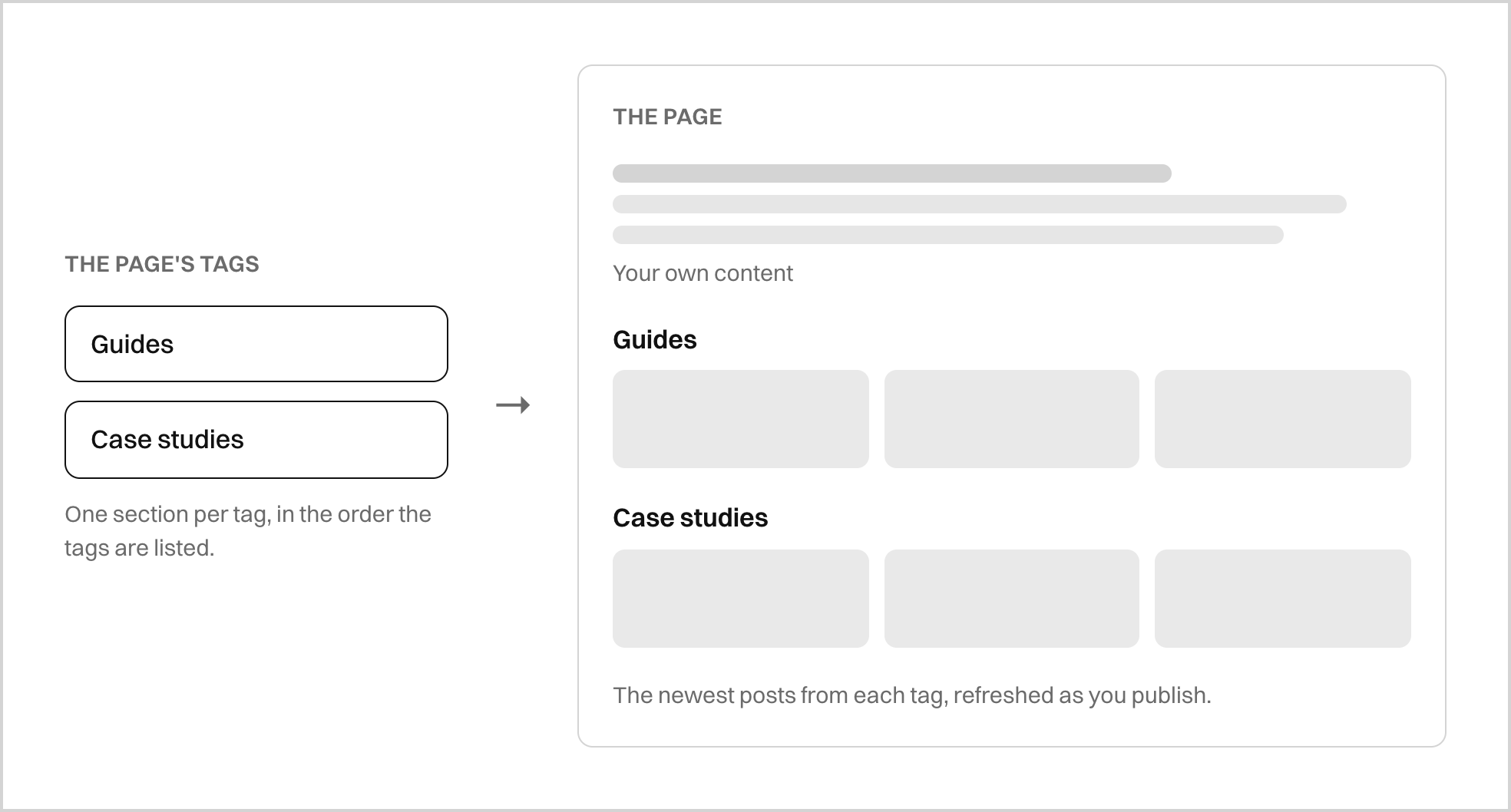
And there are generated sections: a page can grow its own lists of recent posts, one per category you point it at, refreshing themselves as you publish. This is how the demo homepage is built, and it works on any page, not just the homepage.