
Pricing table
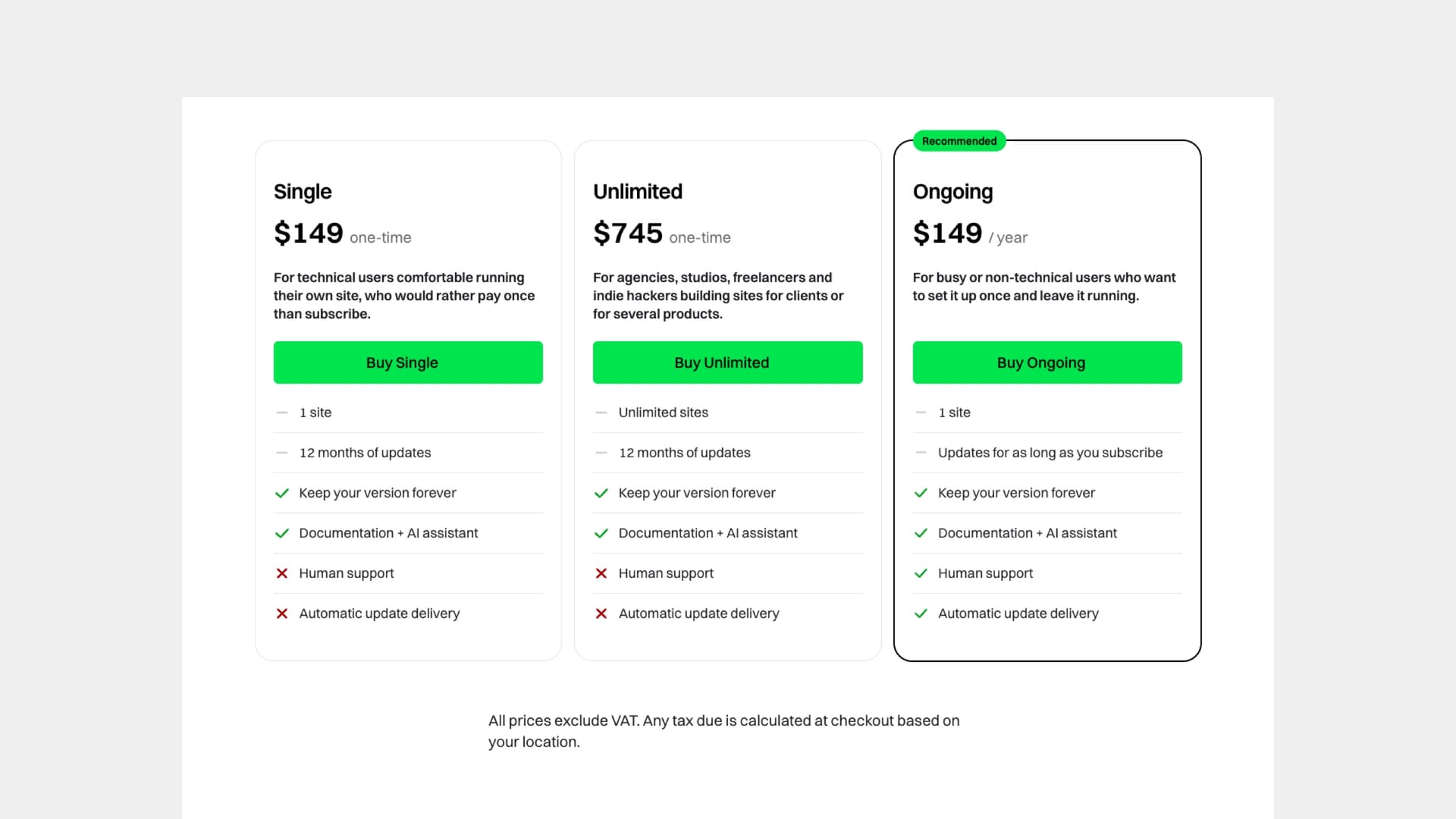
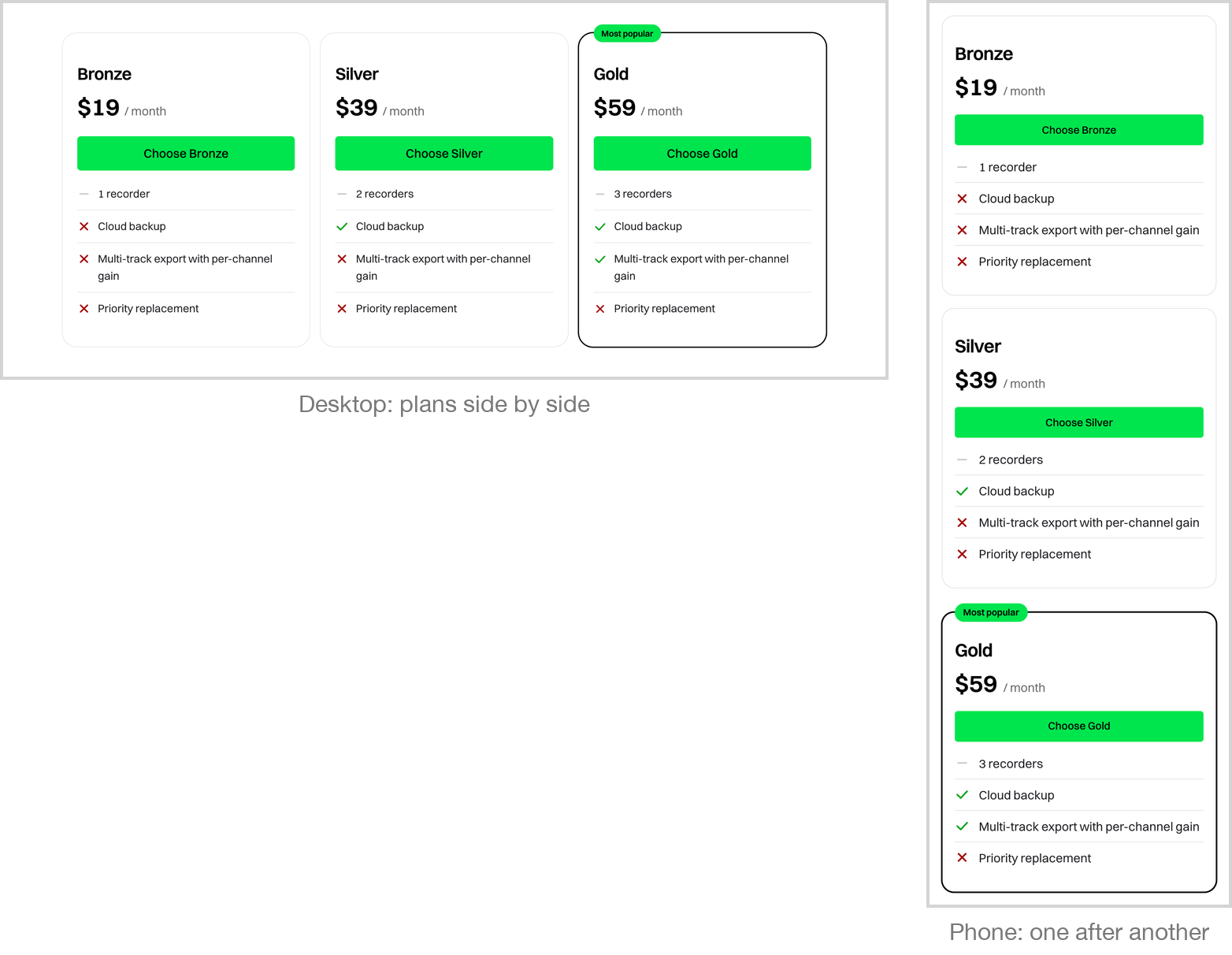
The pricing table puts your plans side by side: a name, a price, a button, and whatever you want to say about each one. On laptops and desktops the plans are columns; on tablets and phones they become a single list, in the order you wrote them, rather than a table squeezed onto a small screen.
It handles billing cycles — monthly and yearly, or any other pair you name — with a switch that changes every price in place without reloading the page, and an optional badge for the saving. Cycles are counted from what you write rather than declared, so a table where only some plans have a yearly price behaves sensibly. Readers without JavaScript see a sensible default state rather than a broken one.
Use it when you sell outside Ghost's built-in membership — a licence, a subscription handled by Stripe or LemonSqueezy, a one-off product, a quote. If you sell through Ghost tiers, Ghost's own membership pages already do this for you and this block would be a duplicate.