Set up your website
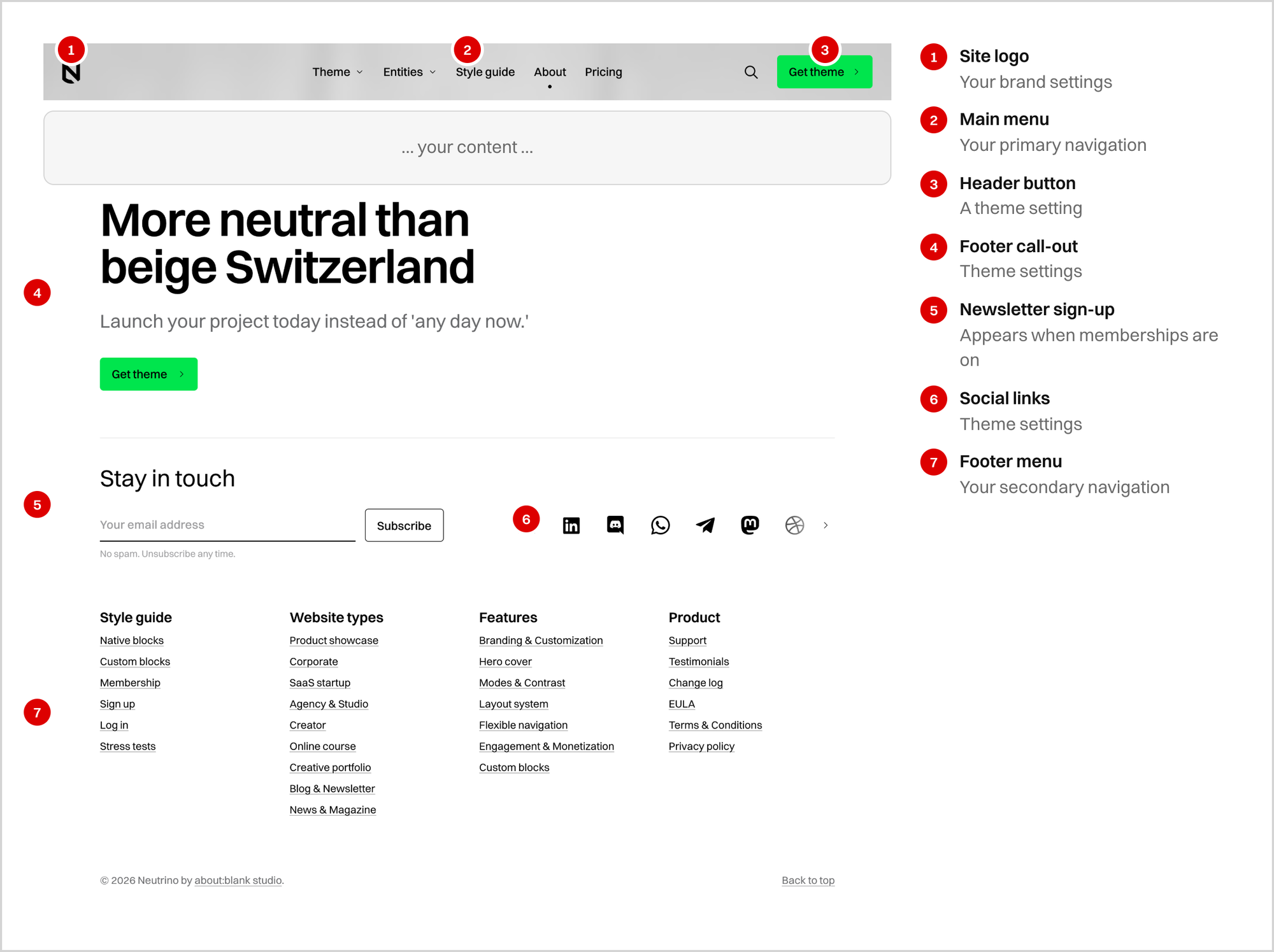
Work through Ghost's own settings in the order that avoids rework, and see where each one shows up in Neutrino.
Most of setting up a Neutrino site is setting up Ghost. The theme reads Ghost's own settings — your title, your newsletter, your membership tiers — and renders them. This page walks through them in the order that avoids rework, points to Ghost's documentation for each, and explains where the theme does something with the value once you have set it.