
Every theme setting, explained
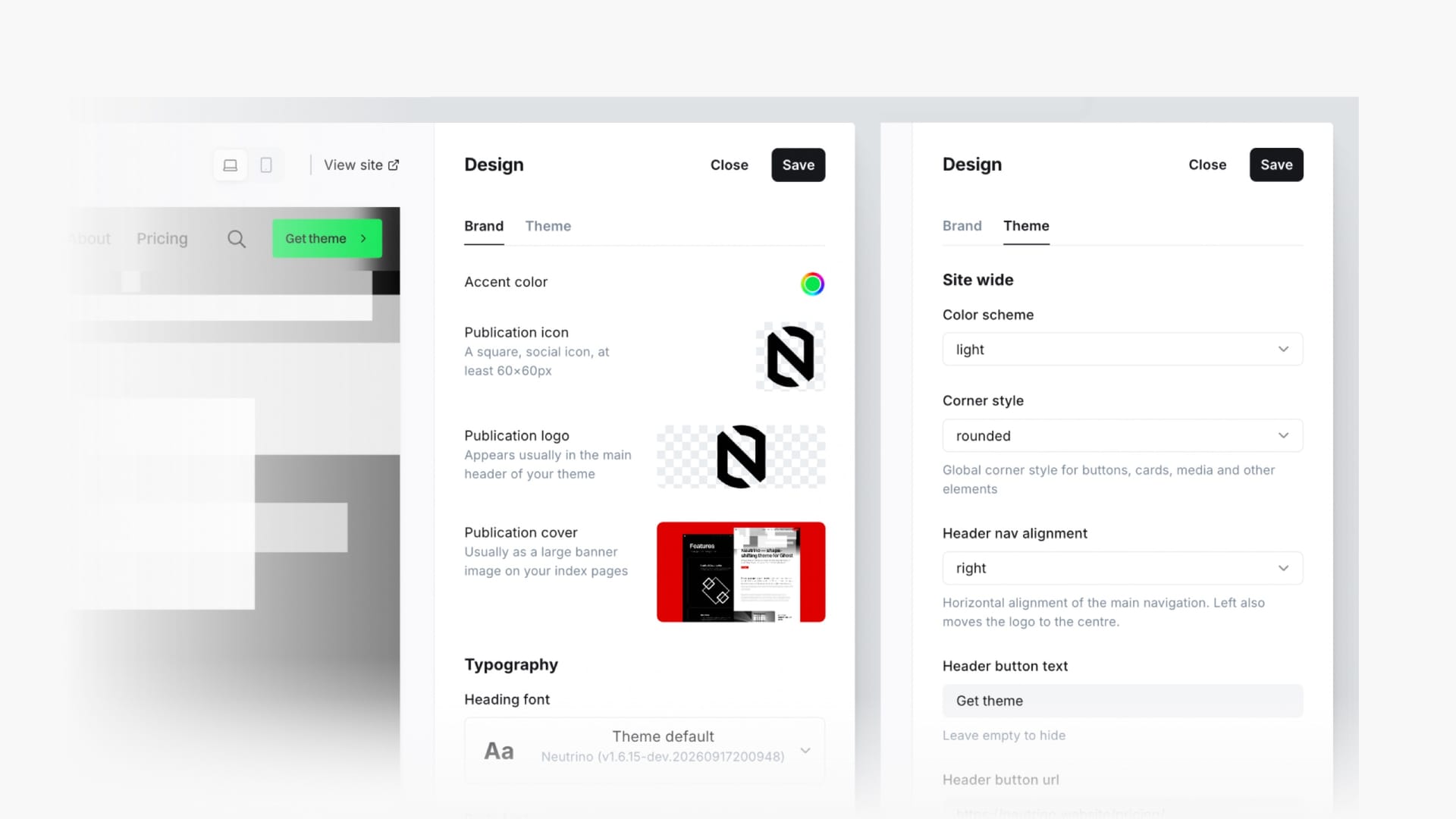
Neutrino adds fifteen of its own settings to Ghost admin. They live alongside Ghost's built-in branding controls, they are edited the same way, and they save the same way — no files, no code, no re-upload.
Three of them change the character of the whole site: the colour scheme, the corner style, and the navigation alignment. The other twelve fill in the parts of the header and footer that Ghost has no field for — the call-to-action button, the footer call-out block, the social links, the copyright line, and how many posts appear in an automatically generated list.
Everything here is a per-site setting and takes effect immediately on save. Your values are stored in Ghost's database against the theme, which means they survive a theme update — installing a new version of Neutrino does not reset them.