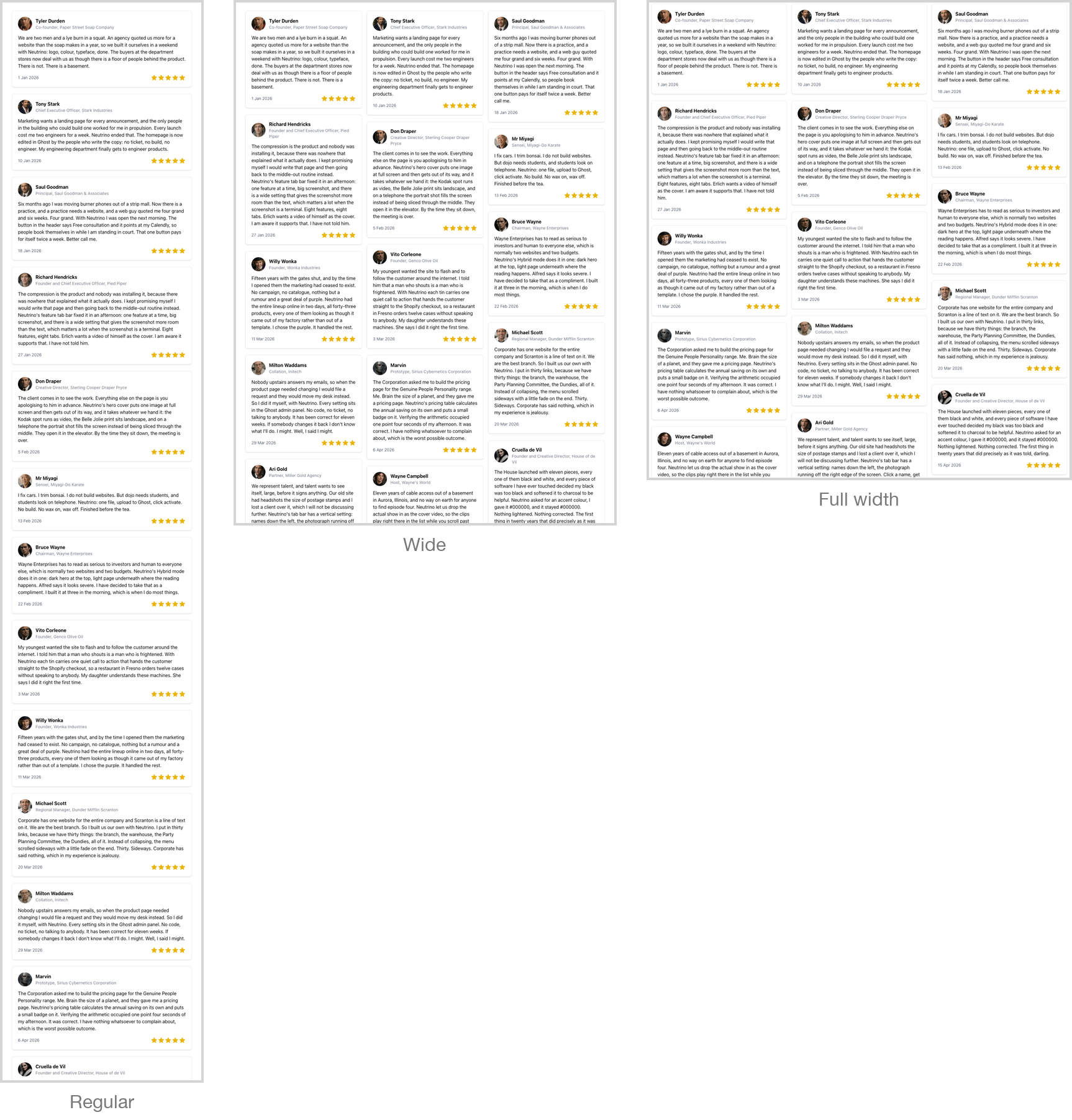
Embedded objects and controlling their width
Paste a third-party embed into a Neutrino post and it will almost certainly just work. Testimonial walls, booking calendars, maps, charts, forms, checkout widgets, code sandboxes — these services all hand you code built to a fixed width, and in Neutrino every one of them fills the space it is given instead, at desktop width and on a phone alike. Nothing to configure and no setting to find.
This was measured rather than assumed: seventeen embed services were tested across three screen widths, and the conclusion was that the theme already handled their width. Height is the exception: a wall-of-love widget has no ceiling of its own, which is what the Embed container block is for.
The one thing genuinely worth learning is width. By default an embed sits in the body-text column, which is right for a form or a booking widget and much too narrow for anything that reflows into columns. Giving a testimonial wall the wider track cut its height by roughly two-thirds in testing. That is a one-line change, and it is most of what this page is about.