
Feature tab bar
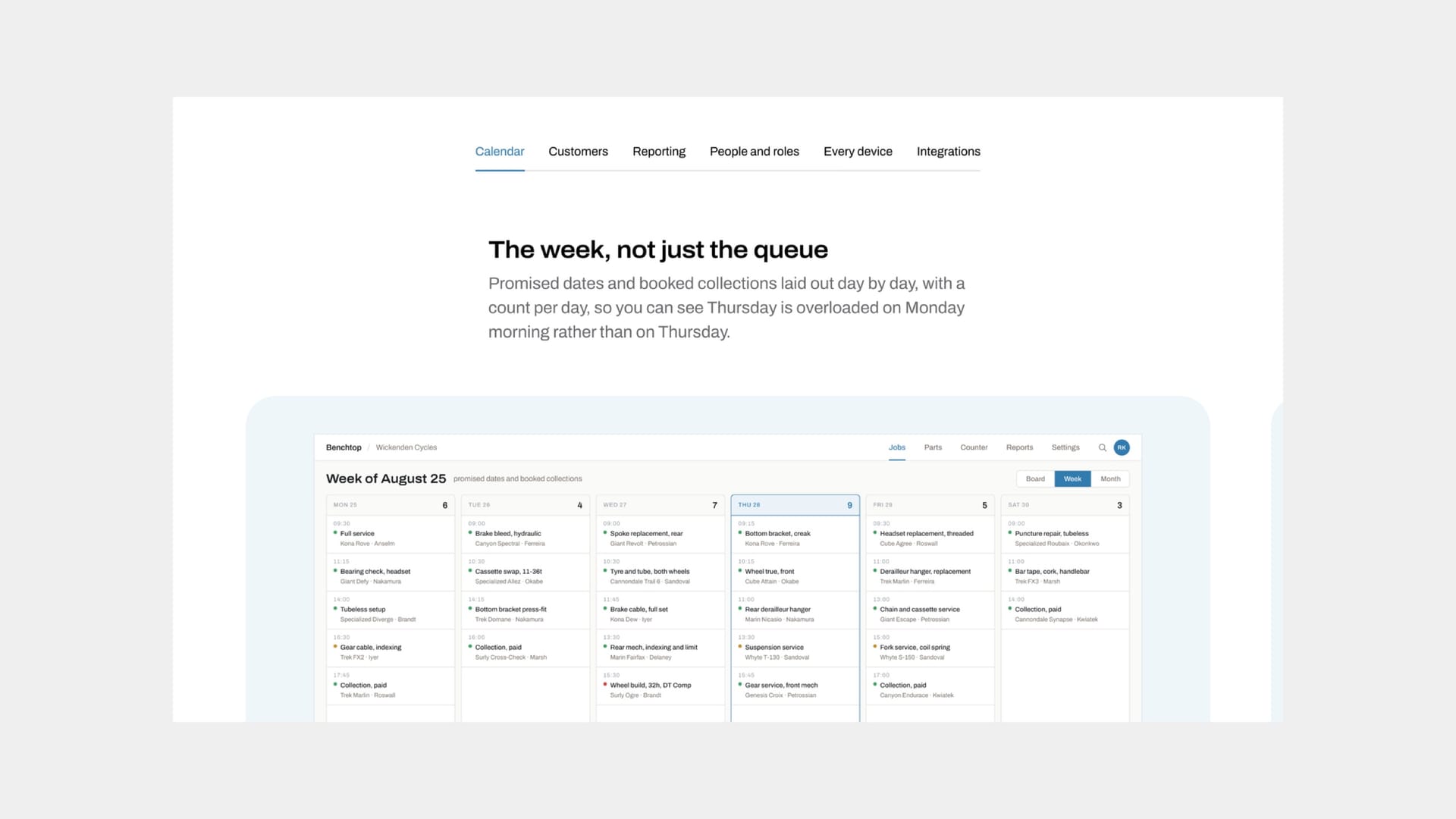
The feature tab bar shows features one at a time, with a row of text tabs above them. The reader picks a tab, or swipes, and the panel changes. It suits a longer list of features than a feature grid can show at once — a grid puts everything on screen together; a tab bar trades that for room to give each feature a large image and a proper paragraph.
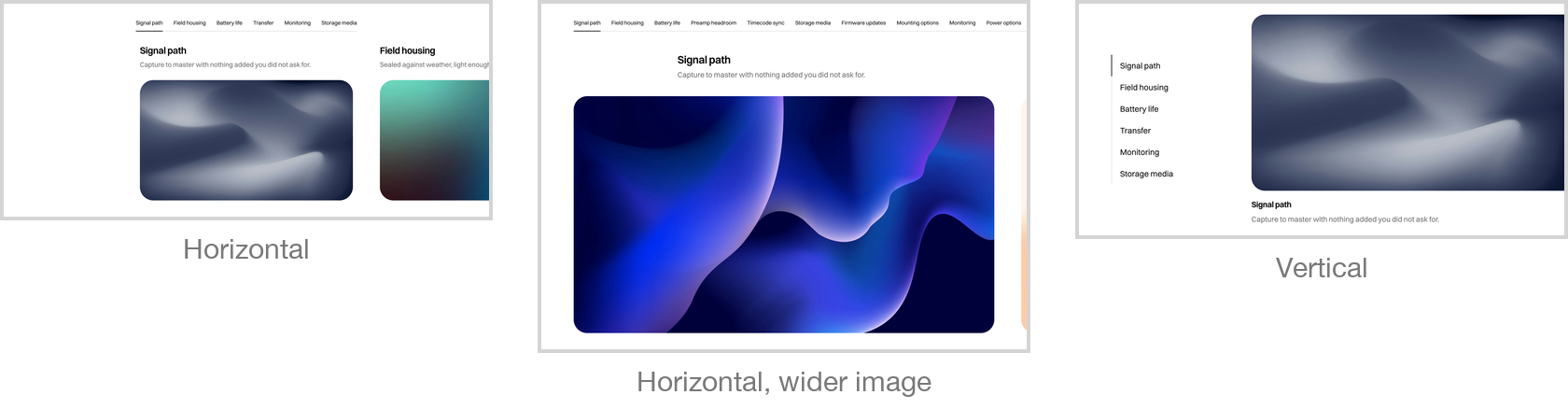
It comes in two arrangements. A horizontal layout runs the image across the full width with the text beneath it; a vertical one puts the picture and the words side by side. The image shape is yours to choose from a set of proportions — widescreen, square, portrait and others — and the block keeps every panel the same height so the tabs never jump as the reader moves between them.
On phones the tab row scrolls horizontally rather than wrapping, and the panels themselves can be swiped, so a bar with nine features works on a small screen without becoming an endless column.